Unlocking Urban Creativity: A Deep Dive into the Dance Graffiti Text Effect Style
In the fast-paced world of graphic design, typography is often the first point of contact between a brand and its audience. While traditional fonts convey professionalism and stability, there is a growing demand for styles that scream energy, movement, and rebellion. Enter the Dance Graffiti Text Effect Style. This unique design asset bridges the gap between street art culture and digital precision, offering designers a powerful tool to inject life into their projects without needing to be master calligraphers.
Many beginners confuse this effect with a downloadable font file, but understanding the distinction is crucial for maximizing its potential. This article explores what this specific text effect is, how it functions within Adobe Illustrator, and why it has become an essential addition to modern creative workflows.
What Exactly Is the Dance Graffiti Text Effect?
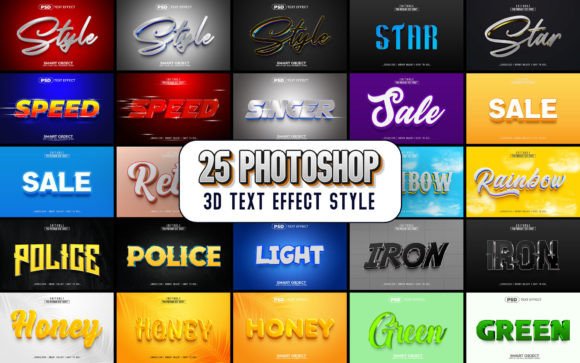
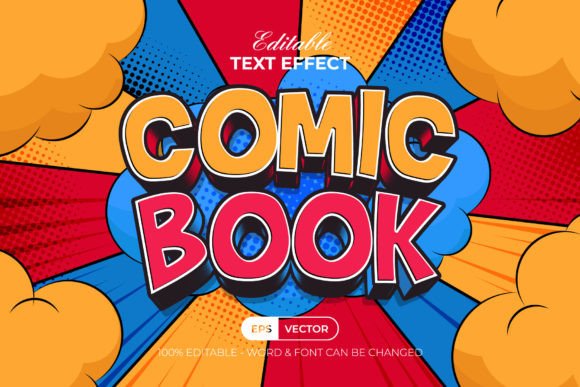
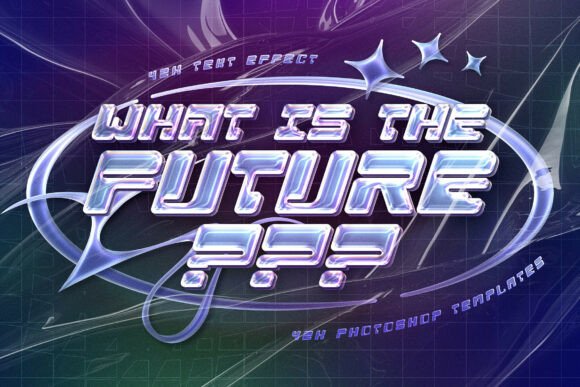
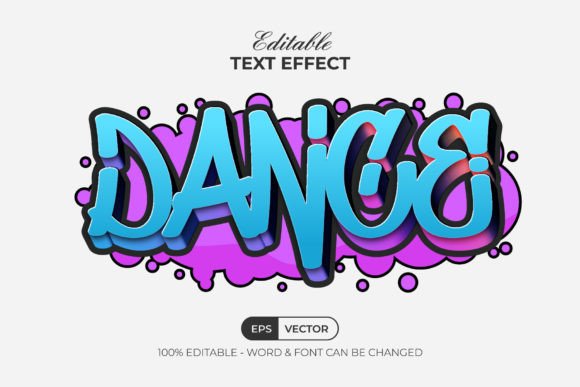
The Dance Graffiti Text Effect Style is not merely a decorative font; it is a sophisticated set of Adobe Illustrator Graphic Styles. To understand its power, one must first distinguish it from standard typefaces. A font file (like .ttf or .otf) replaces your keyboard input with a specific character shape. In contrast, a Graphic Style is a preset collection of attributes—such as fills, strokes, gradients, drop shadows, and blending modes—that can be applied to any existing text or vector shape.
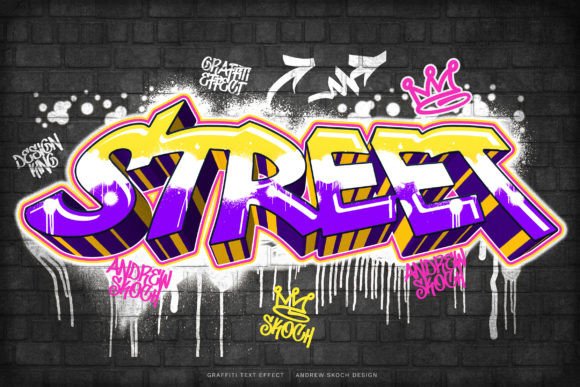
This item allows you to take standard, clean typography and instantly transform it into a dynamic, graffiti-inspired masterpiece. Imagine typing the word "CONCERT" in a simple Arial font and then clicking a single button to make it appear as if it was painted by hand on a city wall, complete with drips, curves, and vibrant color shifts. That is the essence of this effect.
The "Dance" aspect of the name refers to the fluid, kinetic nature of the letters. Unlike static graffiti styles that look rigid or blocky, these characters are designed to look like they are in motion, twisting and turning as if caught in a rhythmic flow. This makes them particularly effective for event posters, music album covers, and urban fashion branding.
Why It Matters: The Significance of Non-Destructive Editing
One of the most significant advantages of using a Graphic Style over a custom font or a rasterized image is the ability to edit content non-destructively. In the past, if a designer wanted to change the copy on a graffiti-style poster, they would have to manually redraw every letter, a time-consuming process prone to error.
With the Dance Graffiti Text Effect Style, the workflow is streamlined:
- Retype Instantly: You can simply select your text frame, delete the old words, and type new ones. The effect automatically applies to the new characters.
- Edit Any Shape: This isn't limited to words. You can apply the style to abstract shapes, logos, or icons, transforming them into cohesive visual elements.
- Adjustable Attributes: Because the layers are well-organized, you can tweak the color palette, adjust the thickness of the outlines, or modify the distortion settings after the fact.
This flexibility is vital for modern businesses where client feedback often requires last-minute changes. It ensures that the final output remains crisp and scalable regardless of the text length.
Technical Specifications and Compatibility
For designers looking to integrate this tool into their arsenal, understanding the technical requirements is essential. This resource is specifically built for Adobe Illustrator CC or above. Older versions of Illustrator may lack the advanced Graphic Style features required to render the full effect correctly.
The package is comprehensive, including:
- 1 EPS File: Ideal for high-resolution printing and compatibility with other vector software.
- 1 AI File: The native source file containing all editable layers and the Graphic Style presets.
- 1 JPEG Preview: A quick visual reference to see the final result before opening the complex file.
- 1 Read Me TXT: An instruction manual that includes direct download links for any free fonts used in the demonstration.
It is important to note that while the effect itself is proprietary, the underlying font used in the preview is often a Free Font. This means users do not need to purchase expensive typefaces to achieve the look; they only need to install the free font included in the download and apply the style. However, the beauty of the system is that it works with any font you choose, allowing for total customization.
Color and Layer Management
The effect utilizes RGB Color mode, which is the standard for digital displays, web design, and video content. This ensures that the vibrant colors pop on screens without requiring conversion that might dull the hues. Furthermore, the file comes with well-organized layers. For experienced designers, this is a goldmine. It allows for granular control over individual elements of the graffiti, such as isolating the shadow layer to create depth or separating the outline to add a glow effect.
Practical Applications in Modern Design
How does the Dance Graffiti Text Effect Style fit into real-world scenarios? Its versatility makes it suitable for a wide range of industries where energy and attitude are key selling points.
Music and Entertainment Industry
The most obvious application is in the music sector. Whether promoting a hip-hop concert, an electronic dance music festival, or a rock band's new album, this text effect captures the rhythm of the genre. The "dancing" quality of the letters mirrors the beat of the music, creating a subconscious connection for the viewer. Designers can easily generate hundreds of variations by changing the text, making it perfect for social media campaigns that require daily updates.
Fashion and Streetwear
Streetwear brands rely heavily on visual identity that feels authentic and edgy. Using this effect for t-shirt designs, hoodie graphics, or sneaker packaging adds a layer of urban credibility. Because the file is vector-based (EPS/AI), the designs remain sharp whether printed on a small tag or a large billboard.
Educational and Creative Workshops
In the realm of education, this tool serves as an excellent teaching aid. It demonstrates to students the power of Graphic Styles in Illustrator. Instead of spending hours drawing complex letters from scratch, students can focus on composition and color theory, applying the effect to see immediate results. It lowers the barrier to entry for creating professional-looking typography.
Clarifying Common Misunderstandings
There is often confusion regarding the difference between a Font Effect and a Graphic Style. A common misconception is that once you apply the effect, you lose the ability to change the text. As mentioned earlier, this is incorrect. The Dance Graffiti Text Effect Style is designed to be 100% editable.
Another misunderstanding involves the "Free Font" aspect. Users sometimes assume the entire effect is a free font download. In reality, the effect is a set of instructions (styles) that work best when paired with a specific typeface, though they can function with others. The included Read Me text clarifies exactly which free font provides the intended baseline, ensuring consistency across different projects.
Is It Suitable for Beginners?
Absolutely. The prompt highlights that this is "Easy to use." For someone new to Adobe Illustrator, navigating the menus can be daunting. However, this tool simplifies the process. You don't need to know how to manipulate anchor points or create complex gradients manually. You simply type your text, select it, and click the style in the Graphic Styles panel. It democratizes complex design techniques, allowing novices to produce pro-level results.
Conclusion: Elevate Your Visual Storytelling
The Dance Graffiti Text Effect Style represents more than just a cool trick for text; it is a bridge between traditional typography and the raw energy of street art. By leveraging the power of Adobe Illustrator's Graphic Styles, it offers a workflow that is efficient, flexible, and visually stunning.
Whether you are a seasoned graphic designer looking to speed up your production pipeline, a small business owner wanting to give your brand an urban edge, or a student learning the ropes of vector design, this tool provides the necessary foundation to create impactful visuals. With its organized layers, RGB color capabilities, and seamless integration with free fonts, it stands out as a valuable resource in the modern creator's toolkit.
If you are ready to stop fighting with complex tools and start creating text that moves, this effect is the solution you have been looking for. Just retype your message, apply the style, and watch your design come alive. For any questions regarding installation or usage, reaching out to the creator is always encouraged, ensuring you get the most out of this dynamic design asset.